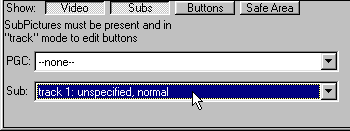
To move or resize buttons you must be in track mode
And enable "Show: Buttons"
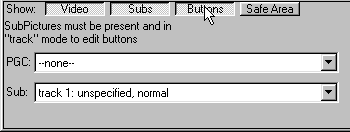
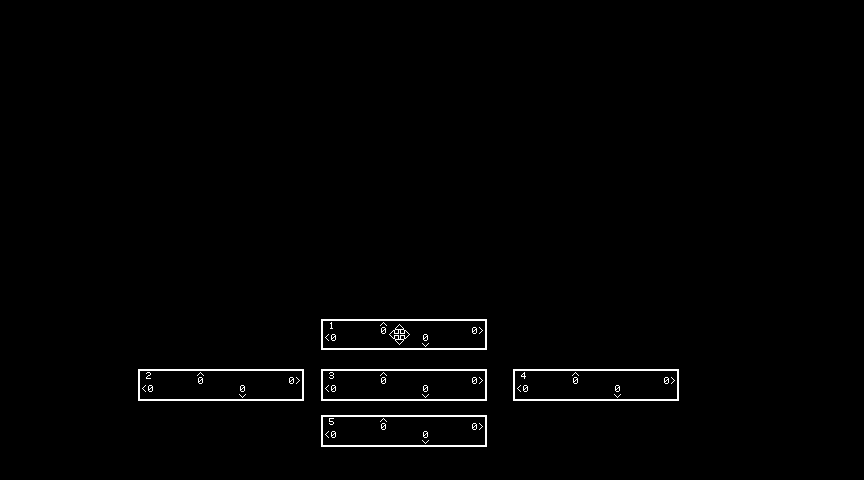
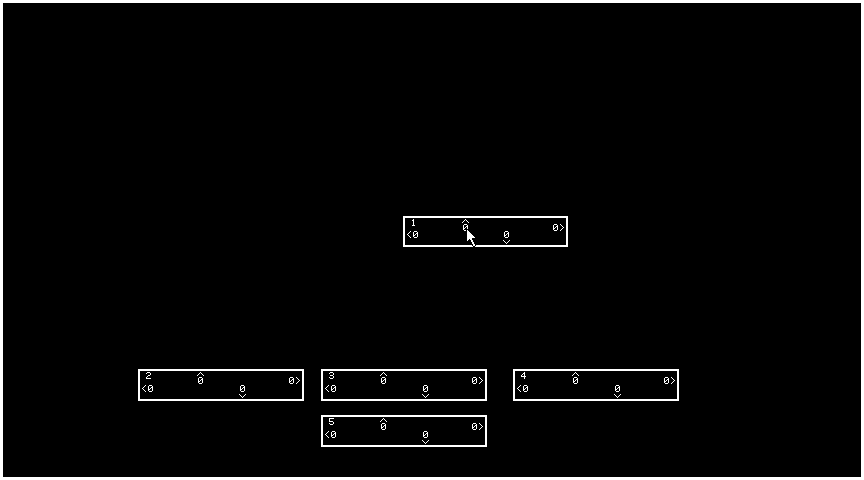
move the mouse over the button to be moved until the cursor changes to the four-way arrow.
click on the button and drag the button to the new location. A dashed-line rectangle (aka wire frame)
will show you the new location.
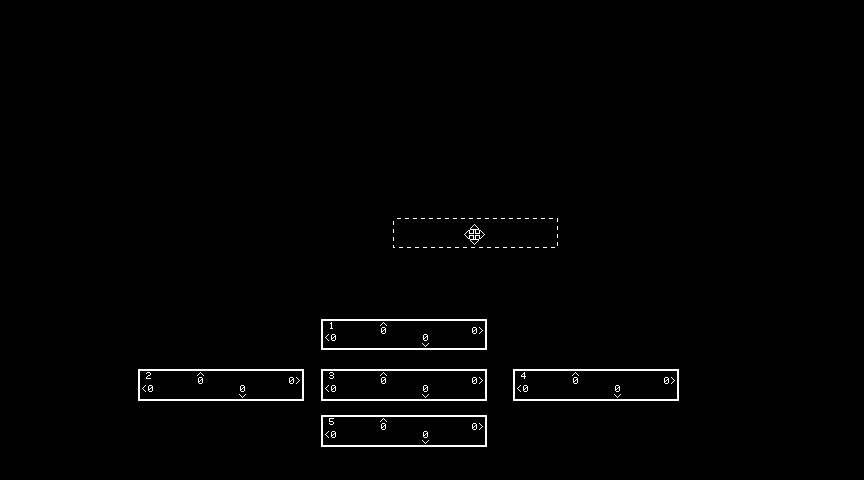
When the wire frame is in the desired position release the mouse button and the highlight button will
be redrawn at the new location.
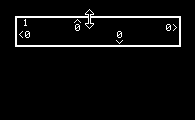
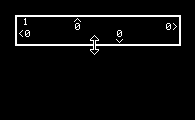
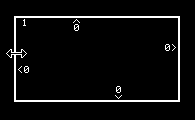
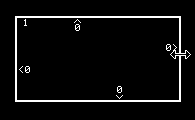
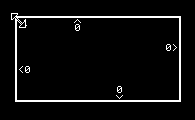
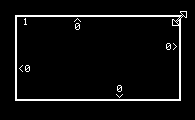
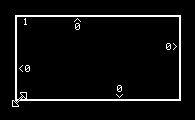
To resize move the mouse until the cursor changes to one of the resize double headed arrows
 |
 |
 |
 |
 |
 |
 |
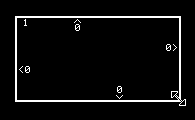 |
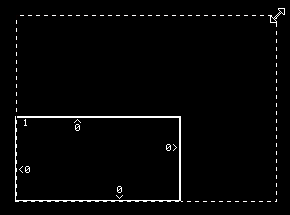
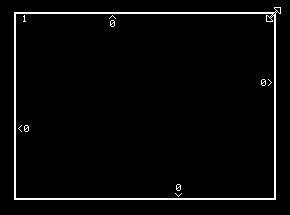
left click and drag the wire frame to the new size.
 DVD-Video info home DVD-Video info home |
Copyright © 2005 - 2023 MPUCoder, all rights reserved. |