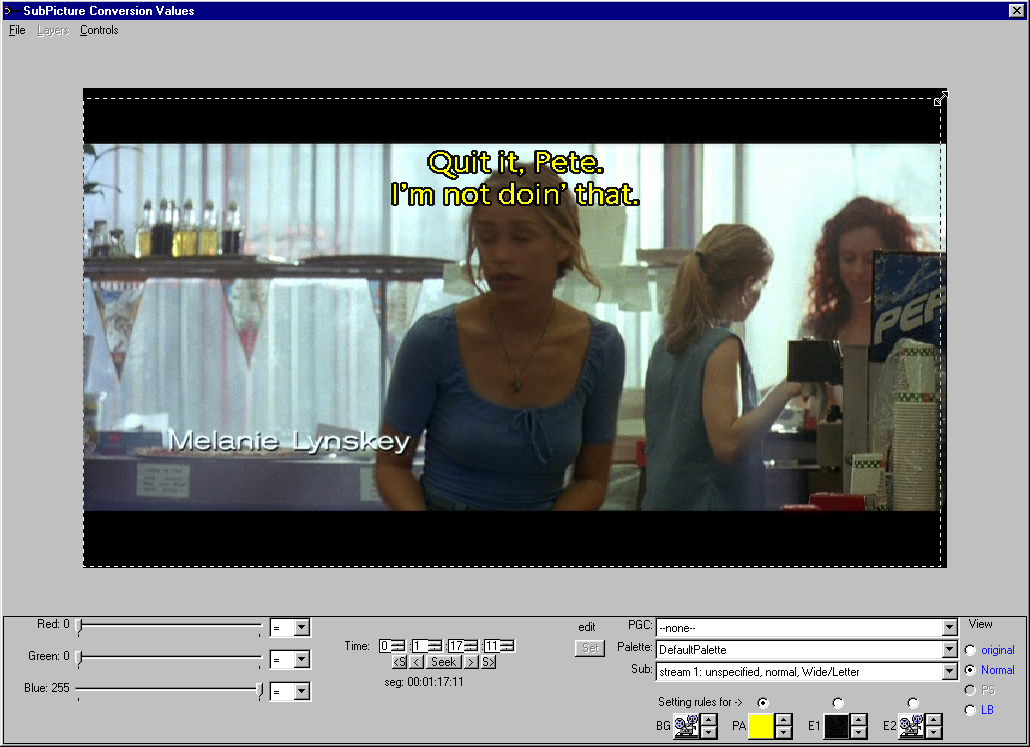
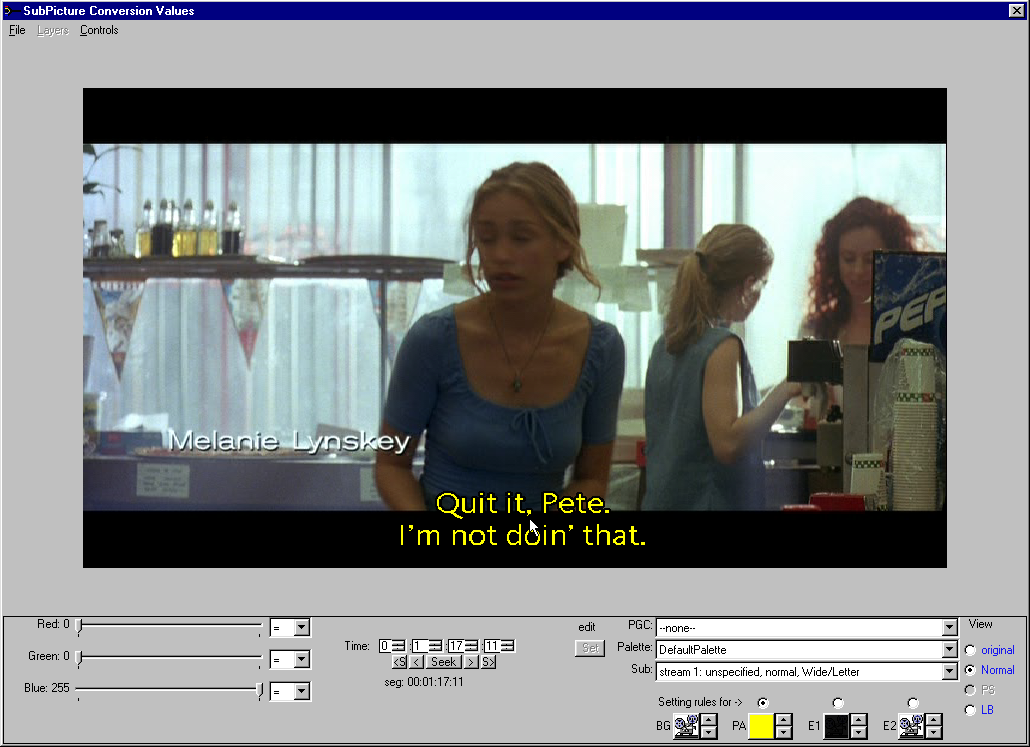
The viewer allows you to redefine the area displayed and to move the subpicture around on the display. In our example we are going to reduce the size of the display area to reduce the size of the encoded subpicture, and move the caption to the bottom of the screen.
Select the subpicture as was done for setting the conversion rules, but stay in the normal view.
Move the mouse to any corner until the cursor changes to an "edge drag" symbol
click on the corner and drag it.
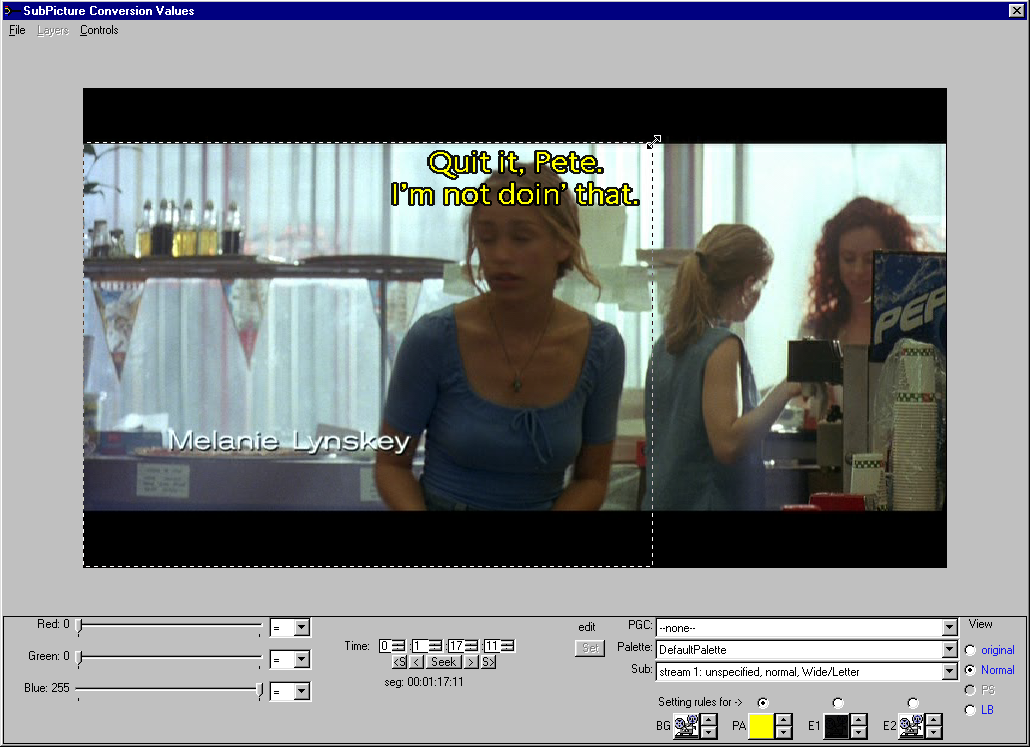
Now click on the opposite corner and drag it to the desired location.
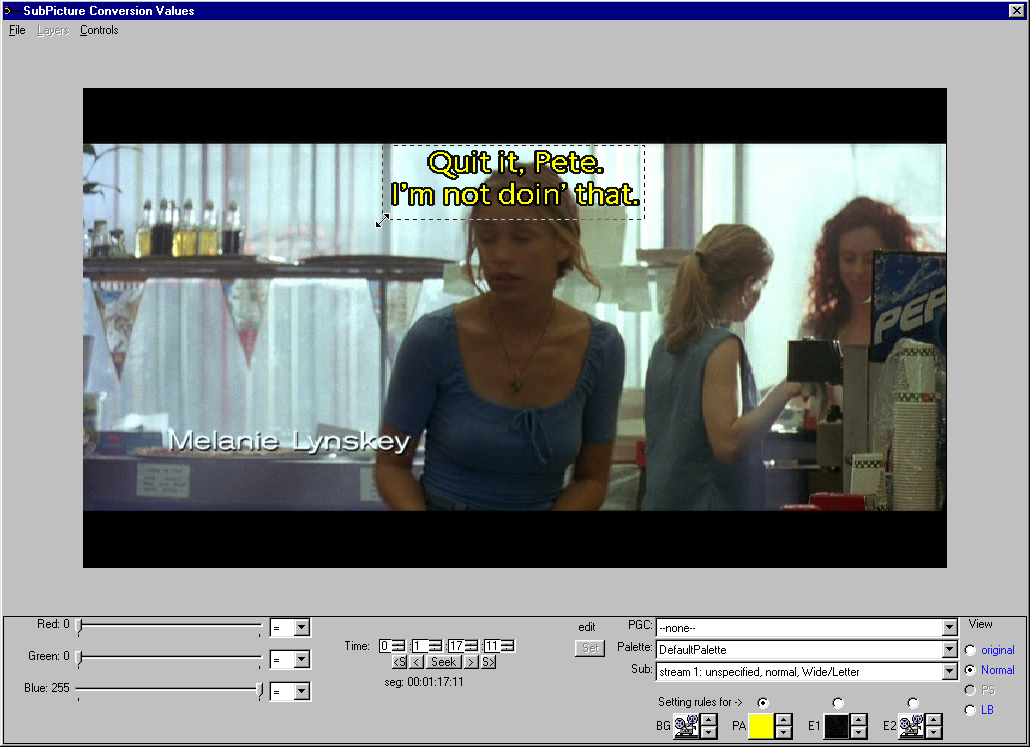
Move the mouse to the inside of the rectangle and the cursor changes to a "move drag" symbol
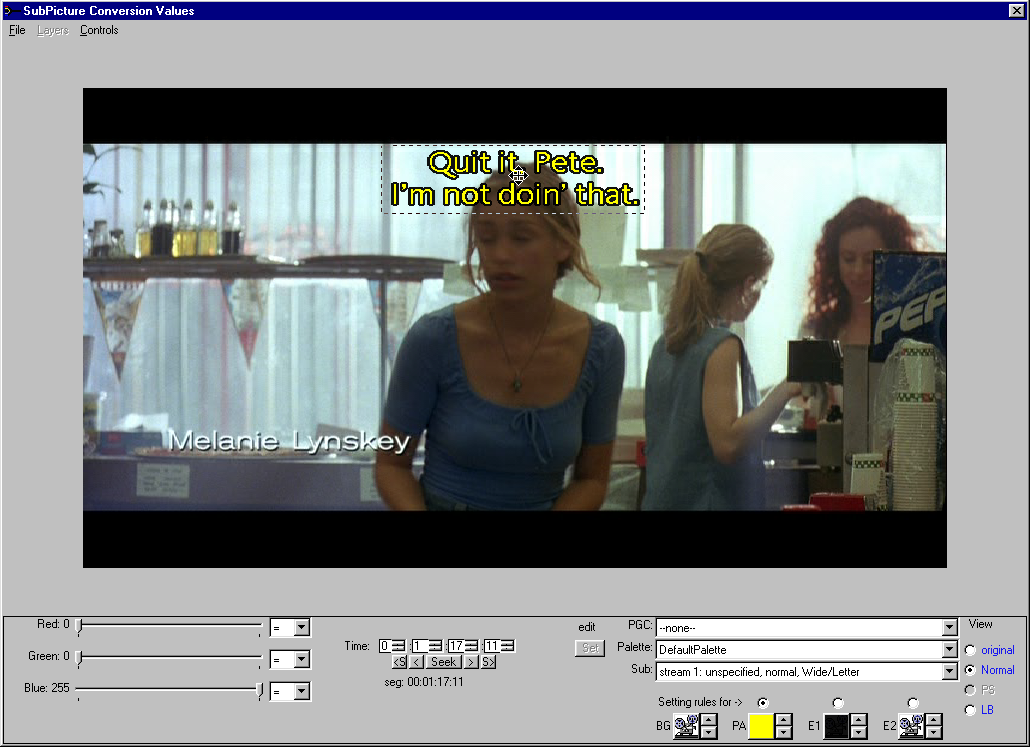
Drag the rectangle to the new location of the caption.
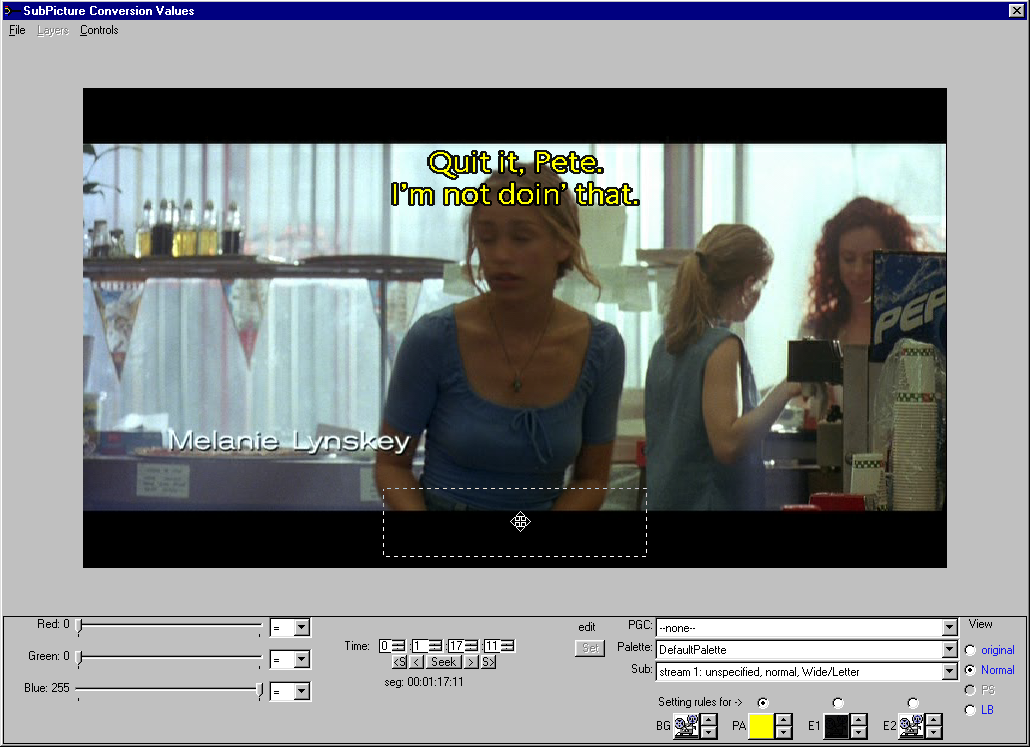
And release the mouse button. All display area and origin values needed to accomplish this rendering
are now set.
 DVD-Video info home DVD-Video info home |
Copyright © 2005 - 2023 MPUCoder, all rights reserved. |